Critical Zero-Day Vulnerability Affects Apple Devices: Urgent Update Required
Critical Zero-Day Vulnerability Affects Apple Devices: Urgent Update Required
- Why Enterprise RAID Rebuilding Succeeds Where Consumer Arrays Fail?
- Linus Torvalds Rejects MMC Subsystem Updates for Linux 7.0: “Complete Garbage”
- The Man Who Maintained Sudo for 30 Years Now Struggles to Fund the Work That Powers Millions of Servers
- How Close Are Quantum Computers to Breaking RSA-2048?
- Why Windows 10 Users Are Flocking to Zorin OS 18 Instead of Linux Mint?
- How to Prevent Ransomware Infection Risks?
- What is the best alternative to Microsoft Office?
Critical Zero-Day Vulnerability Affects Apple Devices: Urgent Update Required
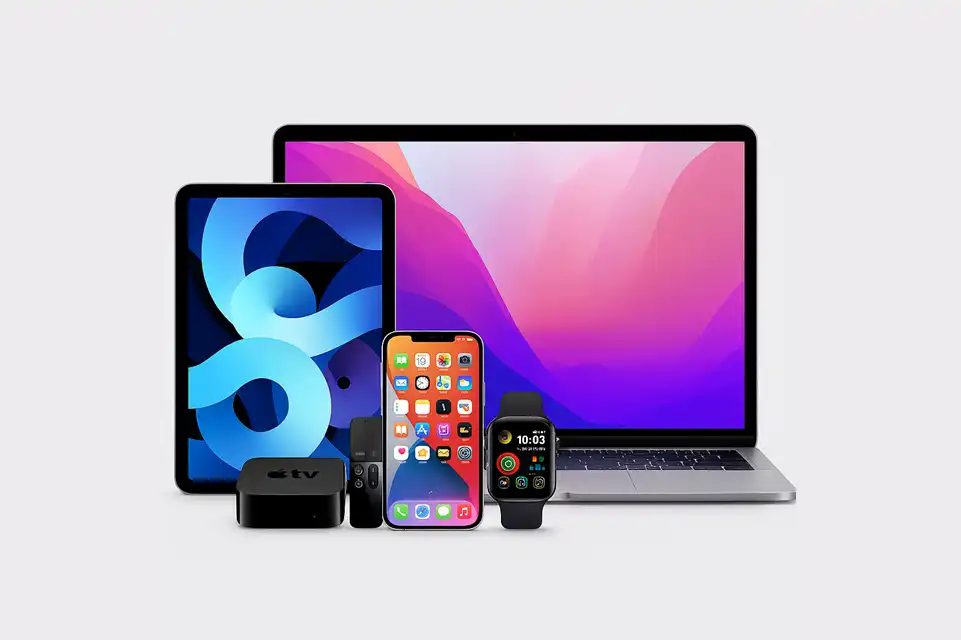
Apple has released emergency security updates to address a actively exploited zero-day vulnerability affecting iPhones, iPads, Macs, and other devices across its product ecosystem.
Apple recently published security updates for multiple platforms including macOS, iOS, and iPadOS to patch numerous vulnerabilities.
Among these fixes is a critical zero-day vulnerability in WebKit, the browser engine that powers Safari and all web browsers on iOS and iPad devices.
Apple Code Leak Reveals iOS 26.4 and iOS 27 Features
The Vulnerability: CVE-2025-14174
The zero-day flaw, designated as CVE-2025-14174, involves a memory corruption issue in WebKit that could allow malicious web content to trigger unauthorized memory access. Given WebKit’s role as the core browser engine for Safari and its mandatory use by all web browsers on iPhones and iPads, the vulnerability’s impact is particularly widespread.
The affected platforms span Apple’s entire product range:
- iOS and iPadOS
- macOS
- tvOS
- watchOS
- visionOS
Apple has released patches in iOS and iPadOS 26.2, iOS and iPadOS 18.7.3, macOS Tahoe 26.2, Safari 26.2, tvOS 26.2, watchOS 26.2, and visionOS 26.2.
Apple and Google Ordered to Combat Spoofing Scams on iMessage and Google Messages in Singapore
Discovery and Active Exploitation
According to Apple’s security advisory, CVE-2025-14174 was reported by the company’s internal security team alongside Google’s Threat Analysis Group.
Notably, Apple also patched a related WebKit vulnerability, CVE-2025-43529, a use-after-free flaw, with both vulnerabilities addressed in response to the same attack reports—confirming active exploitation in the wild.
iOS 27 Prioritizes Performance as Apple Pumps the Brakes on Features
Cross-Platform Impact: From Chrome to Edge
The vulnerability’s reach extends beyond Apple’s ecosystem. CVE-2025-14174 was initially identified as an undisclosed zero-day in Google Chrome, with Google distributing desktop Chrome updates several days ago to address the actively exploited flaw.
Further investigation revealed that the root cause lies in the ANGLE graphics library, specifically an out-of-bounds memory access issue. While ANGLE is primarily used in Chromium-based browsers, code-level connections with WebKit resulted in Apple products being affected as well.
Microsoft has also updated Edge to address CVE-2025-14174, highlighting the vulnerability’s impact across multiple browser platforms.
Lost iPhone “Found” Notification Scam: How to Avoid Falling for Fake Apple Alerts
Government Response
The U.S. Cybersecurity and Infrastructure Security Agency (CISA) added CVE-2025-14174 to its Known Exploited Vulnerabilities (KEV) catalog on December 12, 2025.
CISA warns that the vulnerability can be exploited remotely through crafted HTML pages to trigger out-of-bounds memory access, affecting multiple web browsers.
The KEV listing mandates that federal agencies and organizations follow vendor guidance to apply updates immediately.
How to Prevent Ransomware Infection Risks
Recommendation
Users of Apple devices, Chrome, Edge, and other affected browsers should install security updates as soon as possible. Given the confirmed active exploitation and the vulnerability’s severity, delaying updates could expose devices to potential attacks through malicious websites or web content.
To update Apple devices, users should navigate to Settings > General > Software Update and install available patches. Chrome and Edge users should check for updates through their browser settings to ensure they’re running the latest secure versions.