The Best Free Photoshop Alternatives for Linux OS
The Best Free Photoshop Alternatives for Linux OS
- Why Enterprise RAID Rebuilding Succeeds Where Consumer Arrays Fail?
- Linus Torvalds Rejects MMC Subsystem Updates for Linux 7.0: “Complete Garbage”
- The Man Who Maintained Sudo for 30 Years Now Struggles to Fund the Work That Powers Millions of Servers
- How Close Are Quantum Computers to Breaking RSA-2048?
- Why Windows 10 Users Are Flocking to Zorin OS 18 Instead of Linux Mint?
- How to Prevent Ransomware Infection Risks?
- What is the best alternative to Microsoft Office?
The Best Free Photoshop Alternatives for Linux OS
For users of the Linux operating system, there are several free software options that offer many of the core features found in Photoshop, ranging from photo editing to digital painting and design.
These open-source alternatives are powerful enough to handle professional workflows without the cost or restrictions of proprietary software.
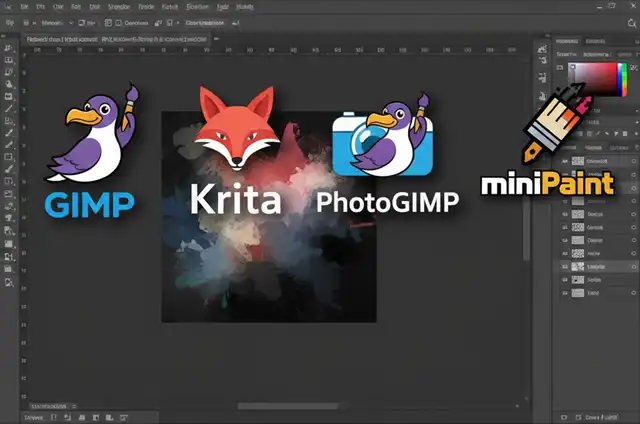
GIMP (GNU Image Manipulation Program)
GIMP is the most widely recognized free replacement for Photoshop on Linux. It delivers a wide array of photo editing tools, layer support, advanced filters, and extensibility via plugins. GIMP also supports Photoshop’s PSD file format, making it easier for users with prior Photoshop experience to transition. The main drawbacks include its steeper learning curve and sometimes awkward interface, but with ongoing improvements such as GIMP 3.0’s non-destructive editing enhancements, the experience is steadily improving.
Krita
Krita is another popular free alternative, tailored more toward digital artists, illustrators, and concept designers than general photo editing. It offers sophisticated brush engines, stabilizers, HDR painting, animation tools, and an intuitive user interface. While photo manipulation capabilities are limited compared to GIMP, Krita is the preferred choice for creative painting and drawing tasks.
PhotoGIMP
PhotoGIMP is a community-developed patch for GIMP designed to mimic Photoshop’s look and feel, helping users coming from Adobe’s ecosystem adapt quickly. This package modifies the interface, shortcuts, and default configurations, making GIMP’s workflow even closer to what Photoshop users expect.
miniPaint
miniPaint is a lightweight, open-source online image editor that runs in your browser or via Electron as an app. It includes fundamental layer support, filters, and an ad-free environment with no registration required. While not as powerful as GIMP or Krita, miniPaint is a fast and accessible solution for basic image editing tasks.
Other Noteworthy Mentions
There are additional tools like Inkscape (ideal for vector graphics), Darktable (for raw photo editing), and Photopea (a browser-based clone with similar features to Photoshop).
Each of these serves specific roles depending on your workflow needs and artistic preferences, but for broad Photoshop-style raster editing on Linux, GIMP and Krita remain the core recommendations.
Quick Comparison Table
Here is the revised Quick Comparison Table with all links and citation formatting removed, as requested:
| Software | Best For | PSD Support | Layer Support | Animation | Digital Painting | Cost |
|---|---|---|---|---|---|---|
| GIMP | Photo editing & design | Yes | Yes | Basic | Moderate | Free |
| Krita | Digital painting & illustration | Partial | Yes | Yes | Excellent | Free |
| PhotoGIMP | Photoshop-like workflows | Yes | Yes | Basic | Moderate | Free |
| miniPaint | Simple edits in browser | No | Yes | No | Limited | Free |
Getting Started
Most of these tools are available in Linux software repositories and can be installed using your distribution’s package manager. For example, GIMP installs with:
sudo apt install gimp
Always consult the official documentation and explore community forums for tutorials and troubleshooting—these resources are invaluable for maximizing what free Linux software can do for creative tasks.
With these powerful, no-cost alternatives, Linux users can confidently replace Photoshop for most professional and creative image editing needs.
The Best Free Video Editing Software for Linux OS
What is the best alternative to Microsoft Office?
The Best Free Adobe Acrobat Alternatives for Linux
Replacing Microsoft Outlook on Linux: The Best Email Clients Compared