Open source e-book management software Caliber: Support Audio EPUB Readings
Open source e-book management software Caliber: Support Audio EPUB Readings
- Linux Kernel Removes strncpy After Six Years and 362 Patches
- Linux Kernel Drops 40-Year-Old AppleTalk Protocol — AI-Generated Patch Flood Was the Last Straw
- Apple’s Native Linux Container Tool Has Arrived — But Can It Really Replace Docker?
- 60% of MD5 Password Hashes Can Be Cracked in Under an Hour with a Single GPU
- Dirty Frag: Root Access on Every Major Linux Distribution — No Patch, No Warning
Open source e-book management software Caliber: Support Audio EPUB Readings
According to news on November 18, Kovid Goyal, the developer of the veteran open source e-book management software Caliber, announced that the official version of Caliber 7.0 is now available, which will It is the latest stable version and major update of this powerful, free and open source, cross-platform e-book management software.
Summarizes the new content of this update as follows:
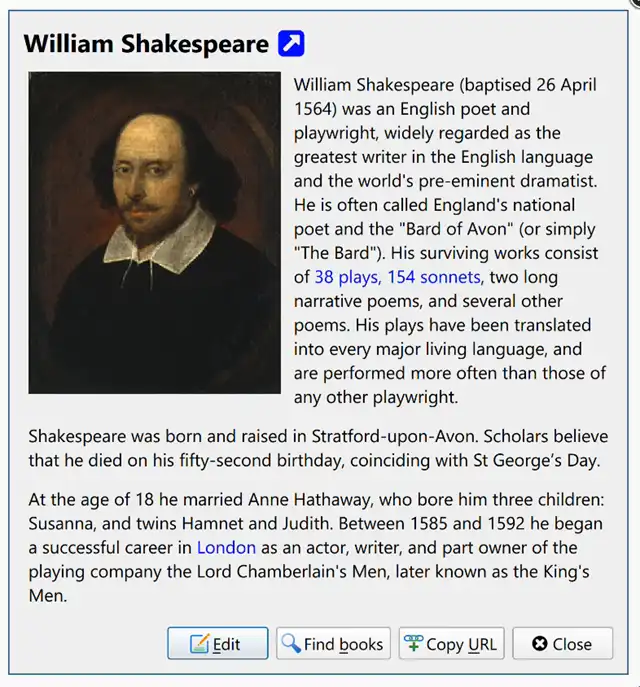
“Note Storage” function: Notes can contain links, pictures, book authors, publishers, tags and other related elements. It is a rich text format. Users can search, browse or link these notes in the application, or Export as a separate HTML file.
Added support for audio EPUB books: the so-called “audio EPUB” means that the file contains pre-recorded voice reading text. Through Caliber’s “Read aloud” button, the software will automatically use the embedded audio in the book to read the text aloud, mark the currently reading sentence and display the progress< /span>.
However, due to issues with proprietary codecs,this feature may not work on Linux, but it will work on Windows and macOS.
Store any additional data files related to the book: Through the “Select Book” interface, right-click the “Add Book” button and select “Add Data File for Selected Book” to add additional data files to the specified book. In addition, these data files have dedicated managers.
New exclusive recycle bin: After accidentally deleting a book,you can restore the book and its metadata through Caliber’s built-in recycle bin. In addition, the Recycle Bin can browse recently deleted books, thereby bypassing the system’s built-in Recycle Bin.
Download address:Click here